
Best AI Video Creation Tools in 2026: Make Stunning Videos Fast
AI video creation tools have completely changed how businesses and creators produce video content in 2026. What used to require a camera crew, expensive software, and hours of editing can now be done in minutes with artificial intelligence. Whether you need social media clips, explainer videos, product demos, or full YouTube productions, there is an AI tool built for the job.
In this guide, we break down the best AI video creation tools available right now, compare their features and pricing, and help you pick the right one for your workflow.
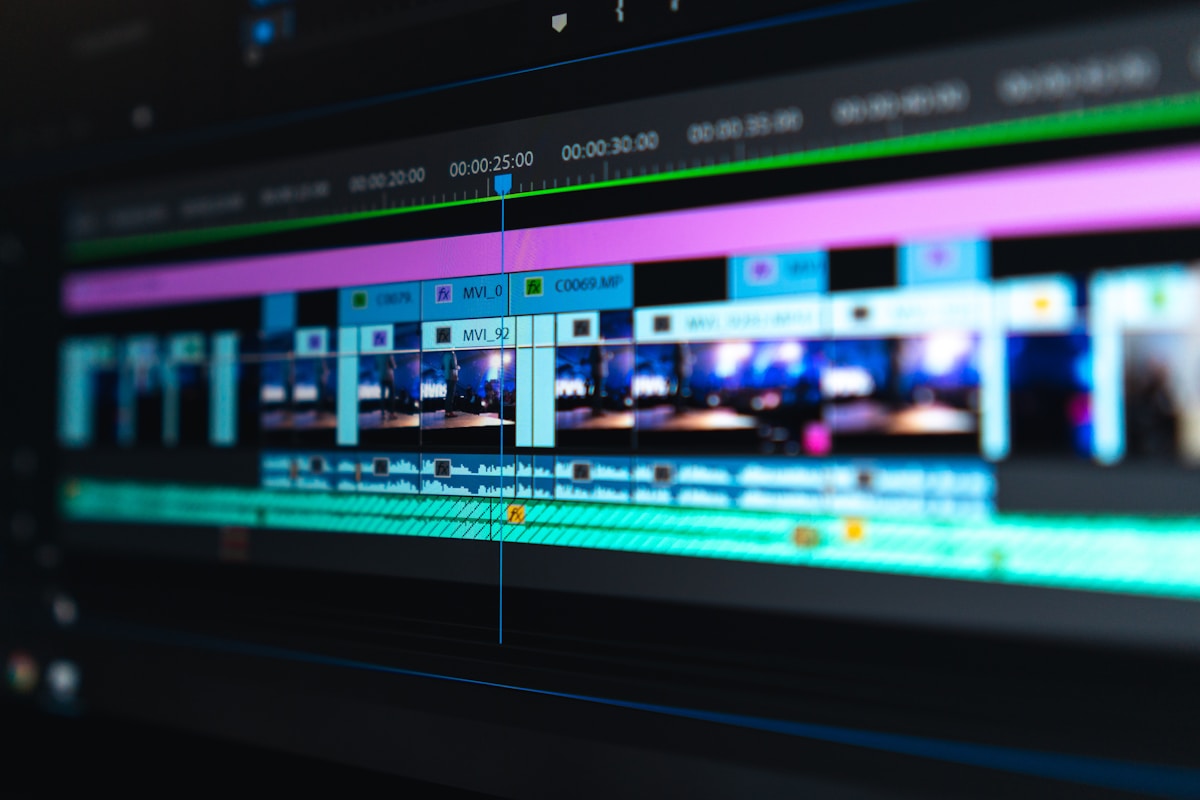
Why Use AI for Video Creation?
Traditional video production is expensive and time-consuming. A single marketing video can cost anywhere from $1,500 to $10,000 when outsourced. AI video tools slash those costs by 90% or more while cutting production time from days to hours.
Key Benefits
- Speed: Generate a finished video from a script or blog post in under 15 minutes
- Cost savings: No need to hire editors, voiceover artists, or actors
- Scalability: Produce dozens of variations for A/B testing effortlessly
- Accessibility: Anyone can create professional-looking videos without technical skills
- Multilingual support: Many tools auto-translate and dub your videos into 20+ languages
Top AI Video Creation Tools Compared
We tested the leading platforms and compared them on features, pricing, ease of use, and output quality. Here is what we found.
1. Synthesia — Best for AI Avatar Videos
Synthesia is the go-to platform for creating videos with realistic AI avatars. You type a script, pick an avatar, and the tool generates a talking-head video with natural lip-syncing. It supports over 140 languages and offers 230+ stock avatars.
Pricing: Starter plan at $29/month (10 minutes of video). Creator plan at $89/month (30 minutes). Enterprise plans available with custom pricing.
Best for: Corporate training, product explainers, internal communications, onboarding videos.
2. Runway ML — Best for Creative AI Video Editing
Runway ML offers powerful generative AI features including text-to-video, image-to-video, and advanced editing tools. Its Gen-3 Alpha model produces remarkably realistic clips from text prompts, and its editing suite includes motion tracking, green screen removal, and style transfer.
Pricing: Free plan with limited credits. Standard at $15/month (625 credits). Pro at $35/month (2,250 credits). Unlimited at $95/month.
Best for: Creative professionals, filmmakers, social media content creators who want experimental AI-generated visuals.
3. Pictory — Best for Repurposing Content into Video
Pictory turns blog posts, articles, and long-form content into short, shareable videos. Paste a URL or script, and the AI automatically selects key sentences, adds stock footage, captions, and background music. It is a content repurposing powerhouse.
Pricing: Starter at $19/month (30 videos). Professional at $39/month (60 videos). Teams at $99/month (150 videos).
Best for: Bloggers, content marketers, and agencies who want to turn written content into video format quickly.
4. HeyGen — Best for Personalized Video at Scale
HeyGen (formerly Movio) specializes in personalized AI spokesperson videos. Its standout feature is video personalization: you can create one template and generate hundreds of personalized versions with different names, company logos, and custom messages for each recipient.
Pricing: Free plan with 1 minute/day. Creator at $29/month (15 minutes). Business at $89/month (30 minutes). Enterprise with custom pricing.
Best for: Sales outreach, personalized marketing campaigns, HR onboarding at scale.
5. InVideo AI — Best All-in-One for Beginners
InVideo AI takes a different approach: you describe what you want in plain English, and it generates a complete video with script, visuals, voiceover, and music. You can then refine it with simple text commands like “change the background music to something upbeat” or “add subtitles.”
Pricing: Free with watermark. Plus at $25/month (50 minutes). Max at $60/month (200 minutes).
Best for: Beginners, small business owners, and anyone who wants a finished video without touching an editor.
AI Video Creation Tools: Quick Comparison
| Tool | Starting Price | Best For | AI Avatars | Text-to-Video | Languages |
|---|---|---|---|---|---|
| Synthesia | $29/mo | Corporate & training | 230+ | Yes | 140+ |
| Runway ML | $15/mo | Creative editing | No | Yes | English |
| Pictory | $19/mo | Content repurposing | No | Yes | English |
| HeyGen | $29/mo | Personalized video | 100+ | Yes | 40+ |
| InVideo AI | $25/mo | Beginners | Limited | Yes | 50+ |
How to Choose the Right AI Video Tool
With so many options, picking the right tool comes down to your specific needs. Here is a simple decision framework.
Choose Based on Your Primary Use Case
- Training and internal comms: Go with Synthesia. Its avatars look professional and its enterprise features (SSO, brand kit, API) are best-in-class.
- Creative projects and social media: Pick Runway ML. Its generative AI capabilities are unmatched for artistic and experimental video work.
- Turning blog posts into videos: Pictory does this better than anything else on the market.
- Sales and outreach: HeyGen personalization features will save your sales team hours.
- Just getting started: InVideo AI conversational interface makes it the easiest entry point.
Consider These Factors Before Buying
- Volume: How many videos per month do you need? Check credit limits carefully.
- Quality bar: For client-facing work, prioritize tools with high-resolution export (1080p minimum).
- Integration: If you use n8n, Zapier, or Make for automation, check API availability before committing.
- Collaboration: Teams should look for shared workspaces and brand kit features.
Getting Started: Quick Tips
Once you pick a tool, follow these tips to get the most out of it:
- Start with a clear script. AI tools work best when your input is specific and well-structured. Write your script before opening the tool.
- Use templates. Most platforms offer pre-built templates for common video types. Start there and customize.
- Test with free plans first. Every tool on this list offers a free tier or trial. Test two or three before committing to a paid plan.
- Keep videos short. For social media, aim for 30 to 90 seconds. For training, break longer content into chapters.
- Add captions. 85% of social media videos are watched without sound. Always enable auto-captions.
Our Recommendation
For most creators and small businesses in 2026, we recommend starting with InVideo AI ($25/month) if you want the fastest path from idea to finished video with zero learning curve. For professional corporate videos and training content, Synthesia ($29/month) remains the gold standard with its realistic AI avatars and enterprise-ready features.
If you are a content marketer sitting on a pile of blog posts and articles, Pictory ($19/month) will turn them into videos faster than any manual workflow. And for creative professionals who want cutting-edge generative AI, nothing beats Runway ML ($15/month) right now.
The bottom line: AI video tools have matured to the point where the output quality is genuinely professional. The time to start using them is now.
Tip: compare 2–3 options before buying and always check active promotions.