
AI Smart Desk Upgrades: Build a Responsive Workspace in 2026
Hybrid schedules exposed the limits of static desks. Sensors, edge AI, and automation platforms now let you choreograph light, sound, ergonomics, and data flows the way studio engineers cue a live broadcast. A responsive workspace makes micro-adjustments before you notice distractions: it brightens your screen when clouds roll in, pivots cameras toward you when you stand, and reorders your task stack based on calendar stress. The result is measurable time savings—McKinsey estimates knowledge workers waste up to 20% of their week fighting context switches. In this guide, we break down five practical AI smart desk accessories that layer orchestration, perception, and predictive analytics onto any workstation, so every minute in front of your monitors stays intentional. Think of it as a control surface for human energy: hardware, software, and data signals harmonized around deep work.
1. AI Orchestration Hubs Coordinate Every Surface
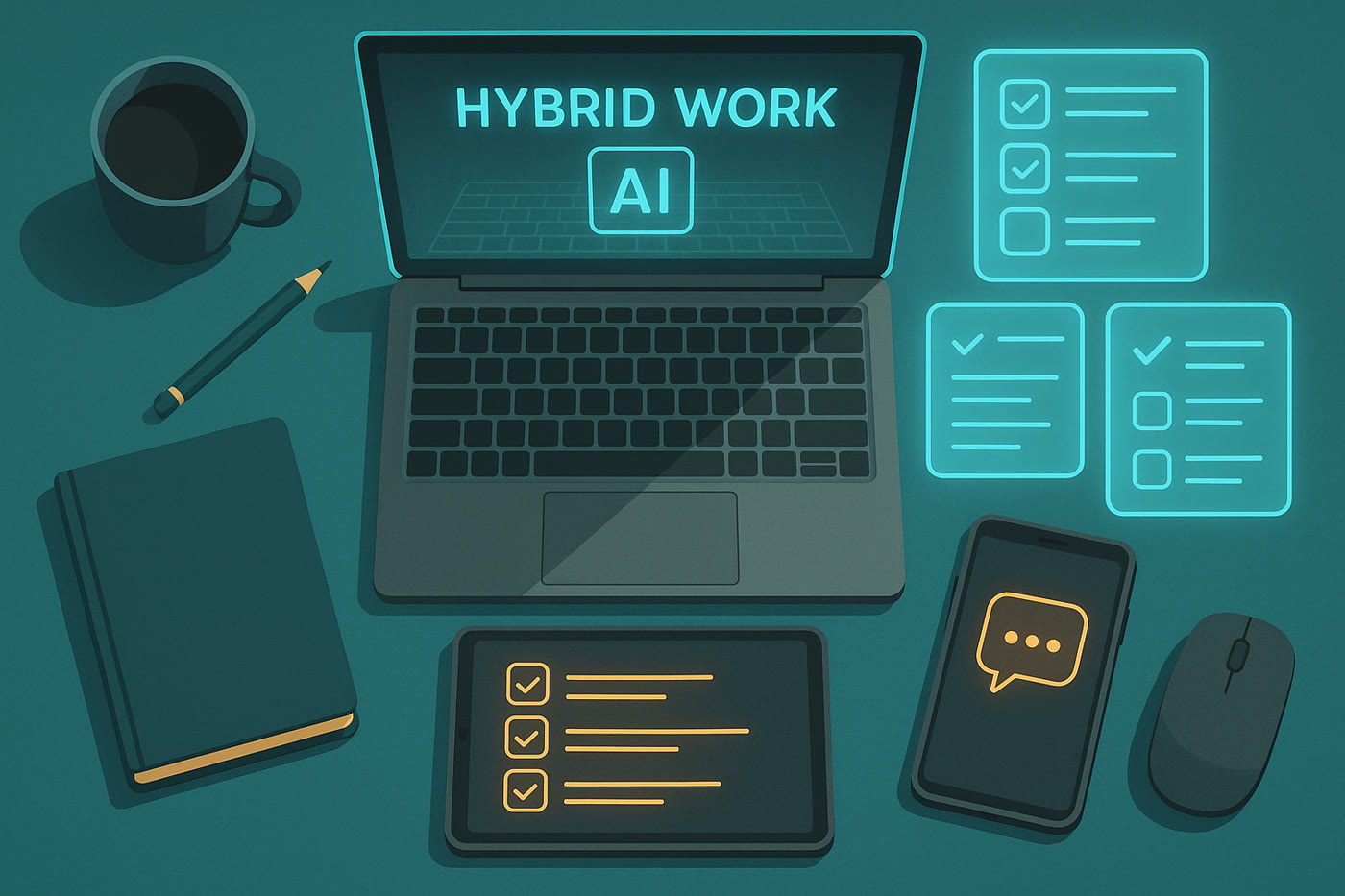
Context-aware hubs unify calendars, environmental sensors, and desk peripherals so lighting, HVAC, and collaboration widgets pivot in lockstep. Devices such as the Amazon Echo Hub run federated Alexa LLM models locally, which means they can trigger “focus” scenes or escalate alerts without routing every prompt back to the cloud. Pair it with NFC tags on your notebook or headset and you get one-tap macros that reconfigure Wi-Fi networks, lighting presets, and Do Not Disturb status for each kind of workblock.
- Benefit: Removes manual toggling between lighting, task lists, and notifications by applying proactive routines.
- Use case: Retail transformation managers trigger a “lab review” scene that locks room access, loads the correct dashboards, and preps video recording before stakeholders arrive.
Product: Amazon Echo Hub
Description: Wall-mounted 8-inch smart display coordinating Alexa routines, Matter devices, security feeds, and desk automations.
Main benefit: Centralizes tactile and voice controls for every smart desk accessory in one latency-free panel.
2. Computer-Vision Video Bars Elevate Meetings
AI-enhanced video bars fuse 4K sensors, beamforming microphones, and onboard neural accelerators to keep you framed even when you move during ideation sessions. The AnkerWork B600 analyzes 300,000 points inside its field of view, then crops and color-corrects frames in real time so whiteboards stay legible and skin tones remain balanced under mixed lighting. Built-in noise models suppress keyboard chatter without flattening lower registers, so your voice sounds natural whether you are seated or pacing.
- Benefit: Reduces meeting fatigue by guaranteeing broadcast-quality framing plus consistent vocal gain, no manual tweaks required.
- Use case: Product marketers recording asynchronous demos can stand up, point at prototypes, and trust the auto-framing to follow, saving multiple retakes.
Product: AnkerWork B600 Video Bar
Description: 4K HDR camera with AI auto-framing, adjustable key light, and voice algorithms inside a single USB-C bar.
Main benefit: Studio-level video and audio clarity without juggling separate lights, mics, and capture cards.
3. Adaptive Lighting Learns Your Circadian Rhythm
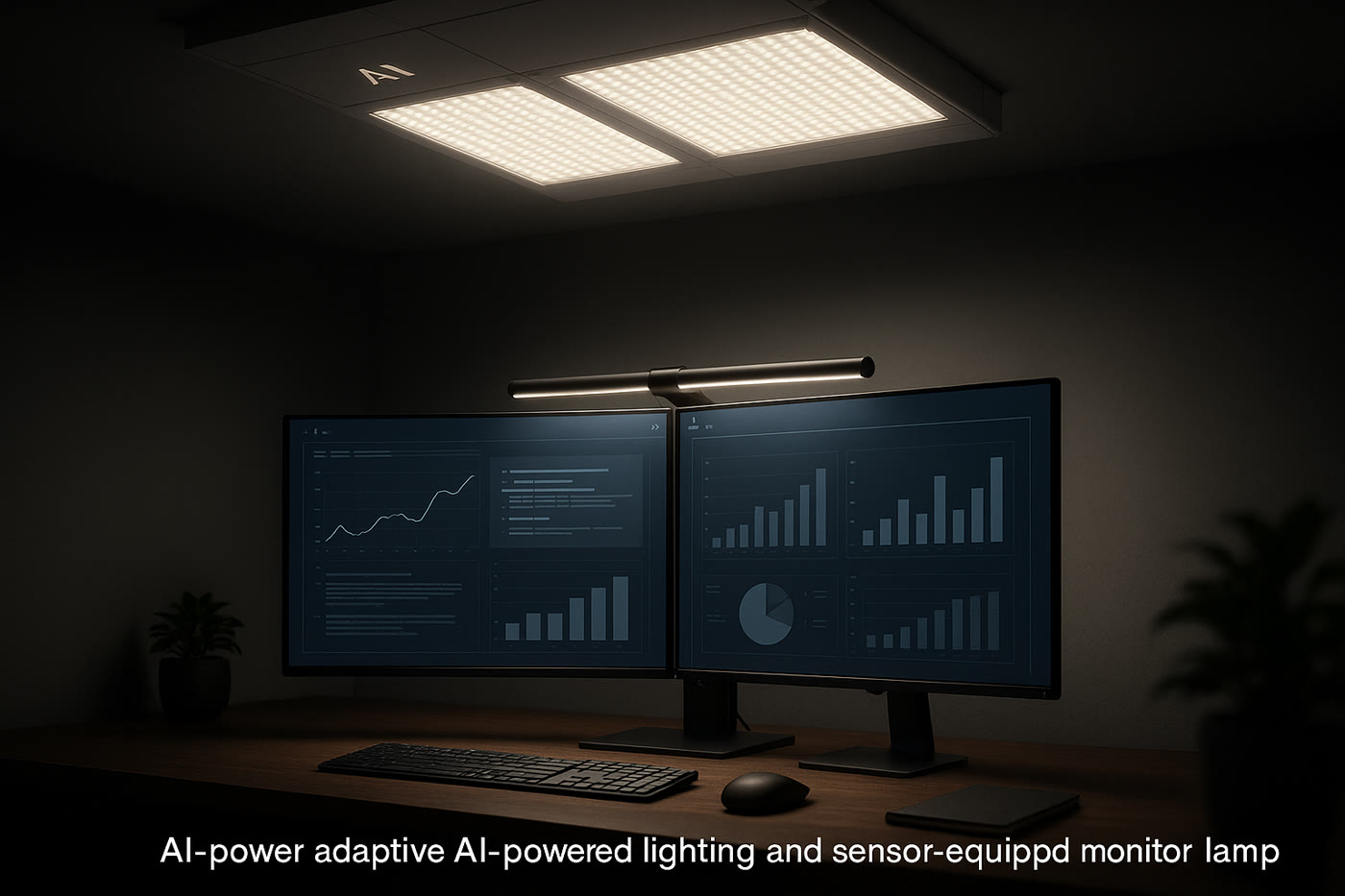
Eye strain still causes nearly half of remote worker downtime. AI-enabled luminaires use ambient sensors plus time-series models to predict when glare or insufficient contrast will slow you down. The BenQ ScreenBar Halo monitors reflection on your monitors and applies a 0–100% dimming curve that hits lux targets before you feel tension. Pair it with Home Assistant or Adaptive Lighting plug-ins and the ScreenBar becomes a node that nudges other lamps, bias lights, and window shades to keep your retinal exposure consistent through long design sprints.
- Benefit: Cuts headaches by balancing color temperature (2700K–6500K) with the task at hand—warm for writing, cool for analytics.
- Use case: UX researchers running late-night tests can keep participants alert with cooler light while maintaining a soft warm fill on their own face for camera confidence.
Product: BenQ ScreenBar Halo
Description: Sensor-driven monitor lamp with wireless dial, rear bias lighting, and auto-dimming AI logic.
Main benefit: Maintains ergonomic contrast without sacrificing desk space or requiring extra clamps.
4. Posture Coaches Close the Biomechanics Loop
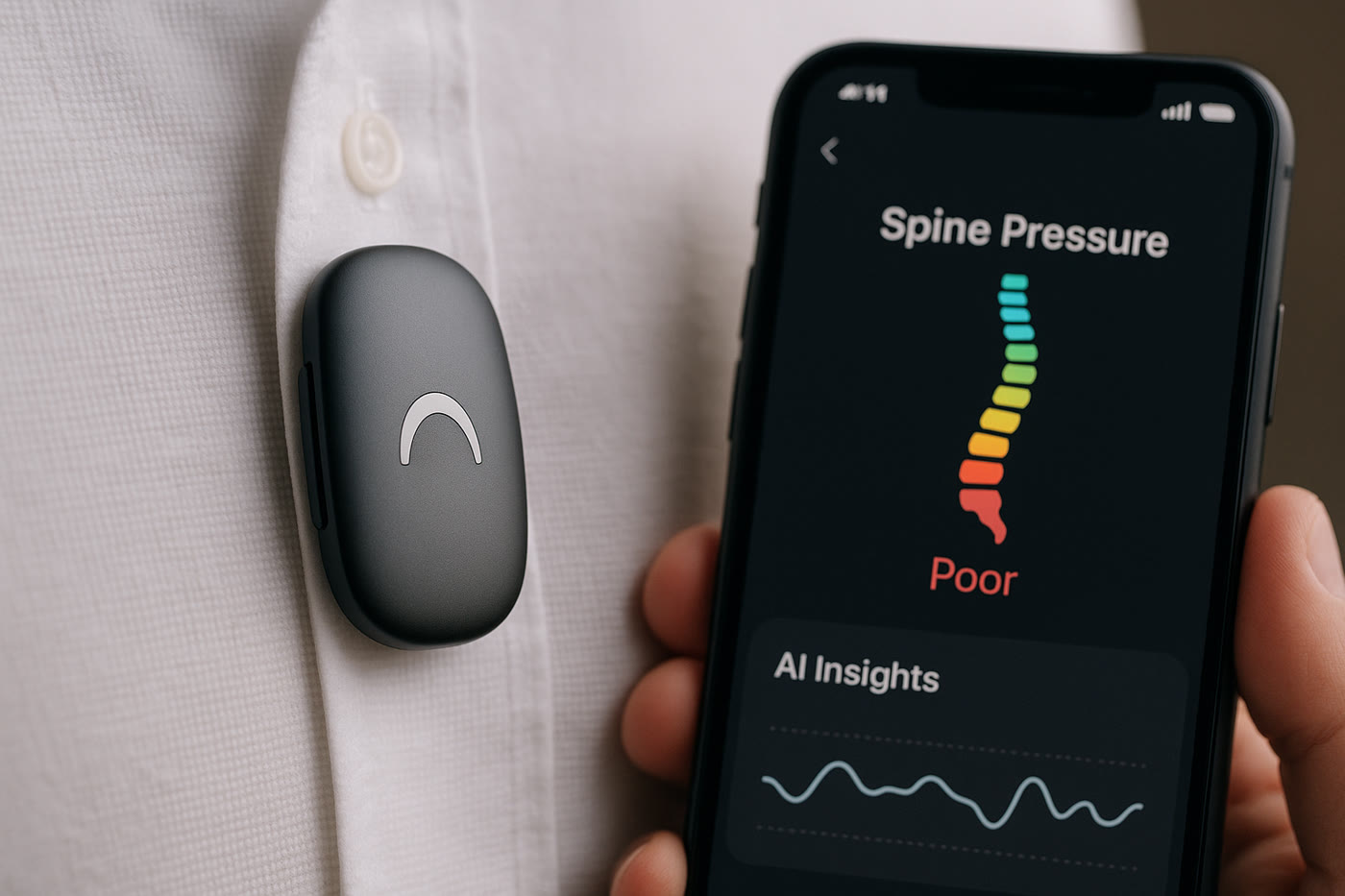
AI posture wearables pair IMU sensors with machine learning models trained on thousands of spinal profiles. Devices like the Upright GO 2 sit between your shoulder blades, haptically nudging you whenever your thoracic angle drifts outside a personalized tolerance band. The companion app layers posture scores over Google Calendar, so you can correlate slumps with specific meeting types and redesign agendas accordingly.
- Benefit: Turns invisible strain into quantifiable metrics, making it easier to justify new chairs, monitor risers, or micro-break cadences.
- Use case: Finance analysts prepping quarter-end decks receive gentle buzzes during the most heads-down hours, reminding them to switch to standing mode.
Product: UPRIGHT GO 2 Posture Trainer
Description: Reusable wearable with Bluetooth LE, adaptive posture coaching plans, and week-long battery life.
Main benefit: Provides real-time coaching plus longitudinal posture analytics without bulky straps.
5. Predictive Air Quality Keeps Brains Sharp
CO₂ levels above 1,000 ppm can slash cognitive performance by 15%. Smart air monitors leverage AI baselines so you are warned before brain fog sets in. The Airthings View Plus combines PM2.5, VOC, radon, humidity, and CO₂ readings, then runs trend detection to alert you when ventilation or humidity tweaks are needed. When integrated with IFTTT or Home Assistant, the monitor can auto-start a desk fan, crack a smart window opener, or pause a space heater if VOCs spike.
- Benefit: Maintains fresh air without constantly checking dashboards; you get push alerts only when thresholds are breached.
- Use case: Podcast hosts tie alerts to Elgato Stream Deck buttons, triggering quiet inline fans before they hit record.
Product: Airthings View Plus
Description: Battery-powered air quality station with e-ink display, Wi-Fi, and AI-driven trend insights.
Main benefit: Predicts unhealthy air before you feel sluggish, keeping focus sessions crisp.
Conclusion: Keep Experimenting with AI Workflows
A responsive desk is never truly finished; it is a living stack of sensors, models, and automations that mirror the way your priorities evolve. Start with one accessory—the orchestration hub or the lighting upgrade—and document the metrics it improves (meeting prep time, headaches avoided, or posture streaks). Layer new AI tools only when they add compounding gains, and keep experimenting with recipes that tie them together. The faster you iterate, the sooner your workspace becomes a co-pilot that proactively clears the runway for deep work.
Tip: compare 2–3 options before buying and always check active promotions.